
 Quick recall
Quiz Challenge
Race the countdown to tap the right answer, build score streaks, and climb the live podium.
Gamify Teaching. Empower Learning.
Bring your whole class into the lesson with live quizzes, word games, visual challenges and QR resource sharing. Ten tools for real-time teaching and learning, with no student app installation or account required.
From speed quizzes and live polls to timeline flows, word puzzles, and zero-login QR file drops — choose the exact format to engage every student in seconds.
Quick recallRace the countdown to tap the right answer, build score streaks, and climb the live podium.
 Live feedback
Vote on questions or rate topics live and watch class opinion bars animate in real time.
 Gamified Experiences
Slide 1 of 7
Instant QR file sharing from screen to student phones.
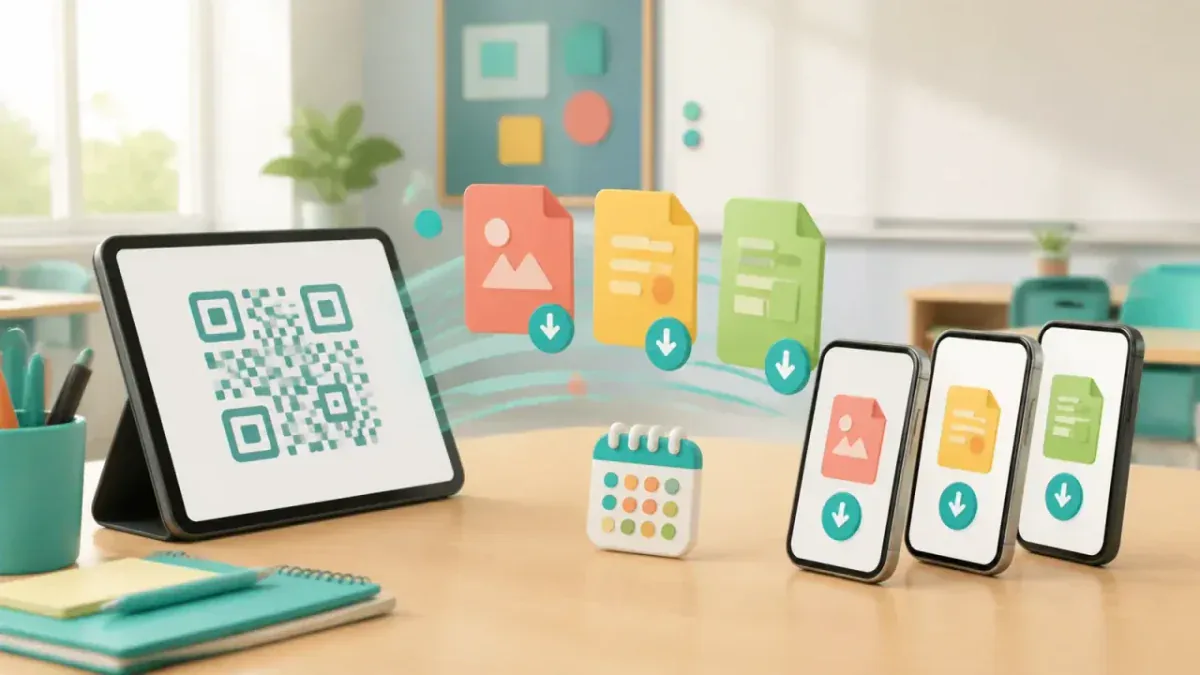
Live teaching tools that participants join in a browser, without a student signup or app installation.
Prepare questions and activities around your lesson, then invite the class.
No logins, no passwords, no app stores. Just scan and compete.
The whole flow is built for hosts who need people joining, answering, voting, playing, and leaving with the right materials.
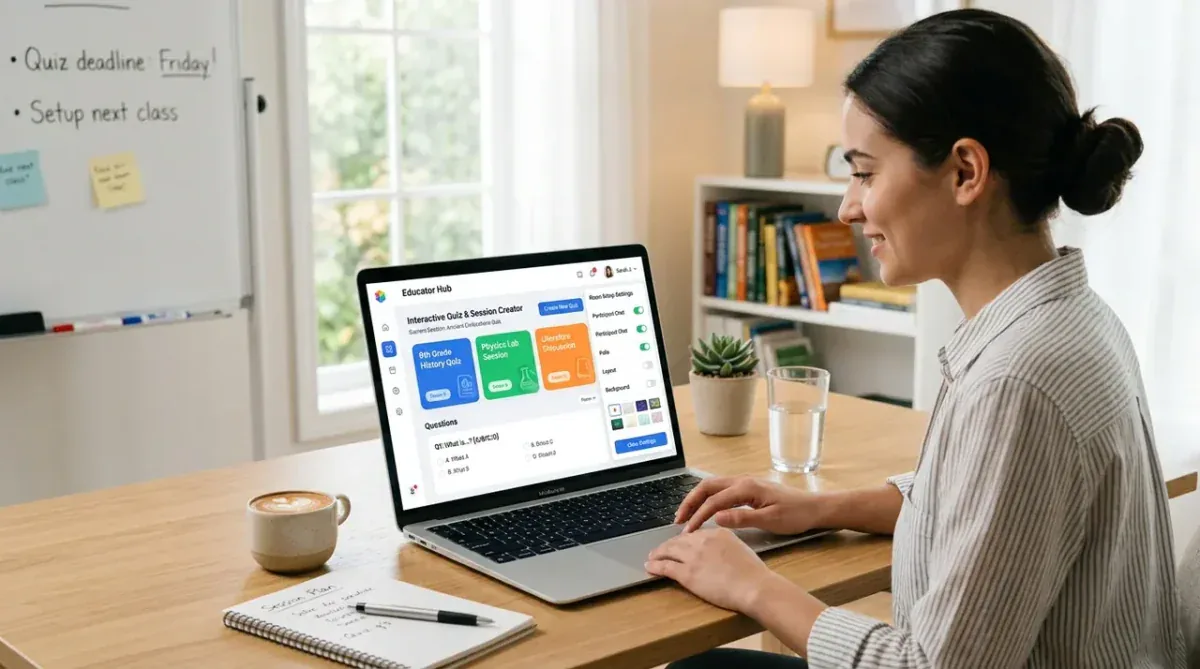
Name the session, pick a tool, attach your content, and prepare files participants can download by QR.
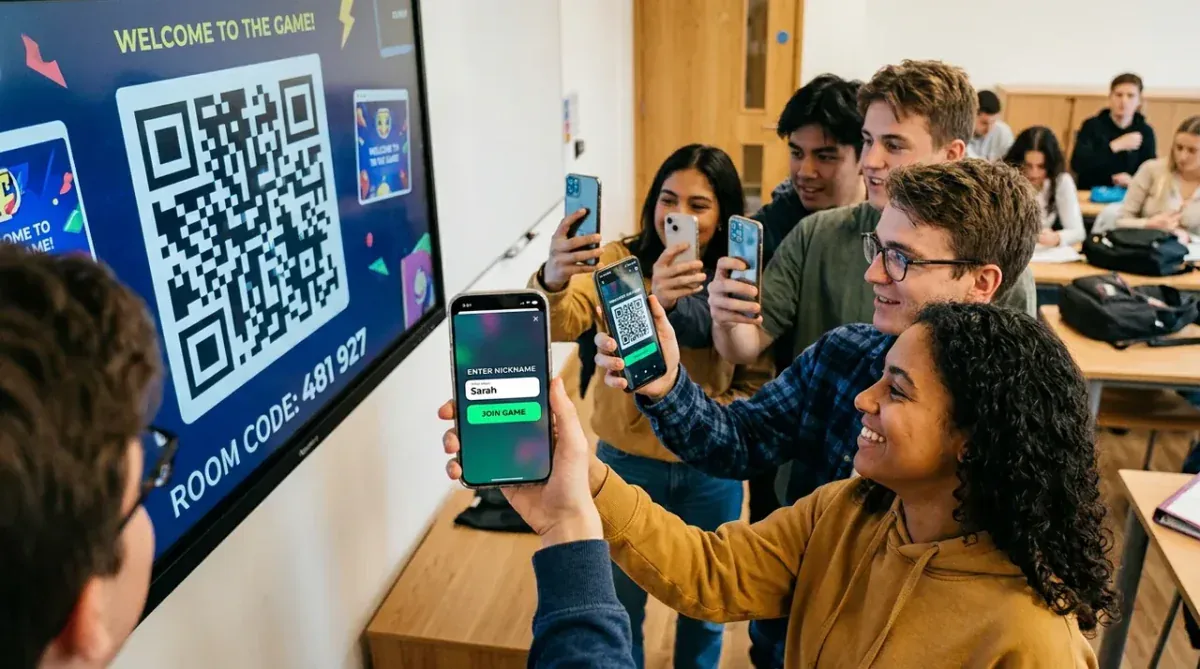
Share a 6-digit code or QR link. People enter a nickname - no account, subscription, or payment required to play.
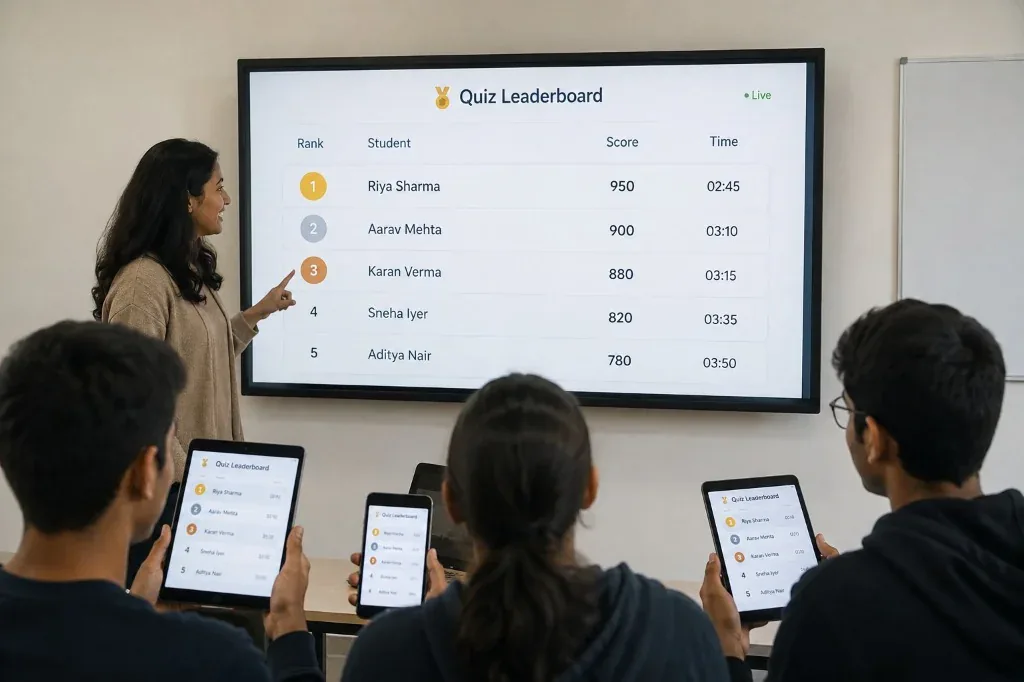
Scores and completion times update in real time on the host screen and participant devices as the round progresses.

Crown top performers on the live leaderboard, award XP bonuses for streaks, and review final game stats.
Name the session, pick a tool, attach your content, and prepare files participants can download by QR.
Share a 6-digit code or QR link. People enter a nickname - no account, subscription, or payment required to play.
Scores and completion times update in real time on the host screen and participant devices as the round progresses.
Crown top performers on the live leaderboard, award XP bonuses for streaks, and review final game stats.
Slide 1 of 4
Keeping a room engaged is hard. Some people answer, some stay quiet, and some are already checking their phones. GamifyTL gives the whole room a way to take part.
Not everyone wants to raise their hand. Ask the room and get answers instantly.
Instead of asking people to put their phones away, give them something useful to do with them.
Skip the links, emails and WhatsApp messages. Show one QR and let everyone download what they need.
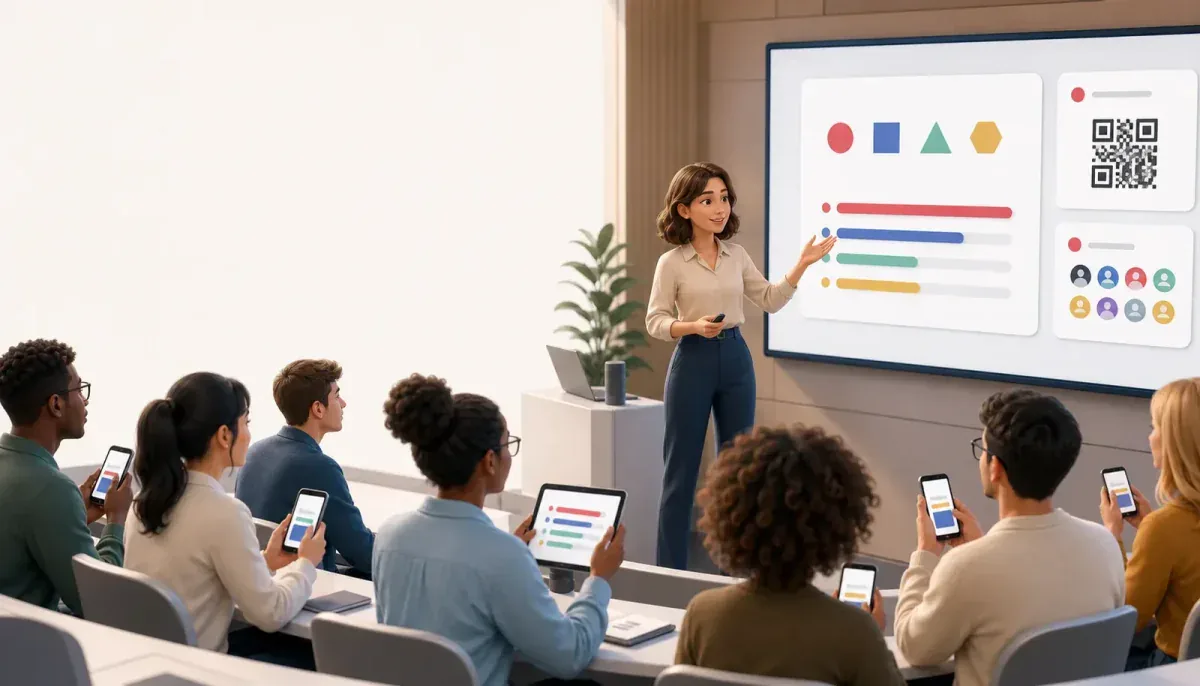
Whether you're teaching a class, running a workshop, or speaking to a room, GamifyTL gives the host the tools to keep everyone involved.

GamifyTL gives you simple ways to ask questions, run games, collect feedback, and share resources — without jumping between different tools.

No app, account, subscription, or payment is needed. Participants join from the phone already in their hand and can answer, vote, play, and get the resources they need.
Everything you need to know about setting up rooms, running games, and engaging participants.
TL stands for Teaching & Learning! GamifyTL is built around our core educational mission: empowering educators with powerful Teaching tools while making Learning deeply engaging, interactive, and memorable for students and participants.
GamifyTL connects Teaching and Learning into a unified, interactive experience. Educators can launch live quiz battles, visual target hunts, interactive puzzles, and collaborative challenges in seconds, with real-time participation, instant student insights, and no app installs required.
GamifyTL has ten tools: Quiz Battle, Polls & Surveys, LinkSprint, Word Search, Flow Connect, Jumble Jam, Jigsaw Mission, Connect Dots, Target Hunt and Resource Drop. That is nine live activity modes plus QR-based resource sharing.
No. Joining and playing are always free. Participants do not need an app, account, or login. They simply scan your room QR code or enter the 6-digit room code on their phone browser to join instantly with a nickname.
Yes. You have full authoring control: create multiple-choice question banks with timers, upload diagrams for Target Hunt and Jigsaw puzzles, configure term pairs for Connect Dots, and upload PDF or PPT slide decks for QR downloads.
Resource Drop lets you upload presentations, worksheets, or lecture handouts once. A live QR code is generated so your audience can download files instantly. You can choose retention periods from 7 to 28 days, after which files are securely cleaned up.
GamifyTL is 100% web-based and responsive. It works seamlessly across iOS, Android, macOS, Windows, Linux, Chromebooks, and interactive touch smartboards on all modern browsers (Chrome, Safari, Edge, Firefox).
Yes. You can register for a free account, create live rooms, build custom question templates, and host interactive sessions immediately without a credit card.
 amifyTLamifyTL•Interactive Classroom Platform
Launch real-time quizzes, opinion polls, interactive image puzzles, diagram labeling, and instant QR file sharing in seconds.


